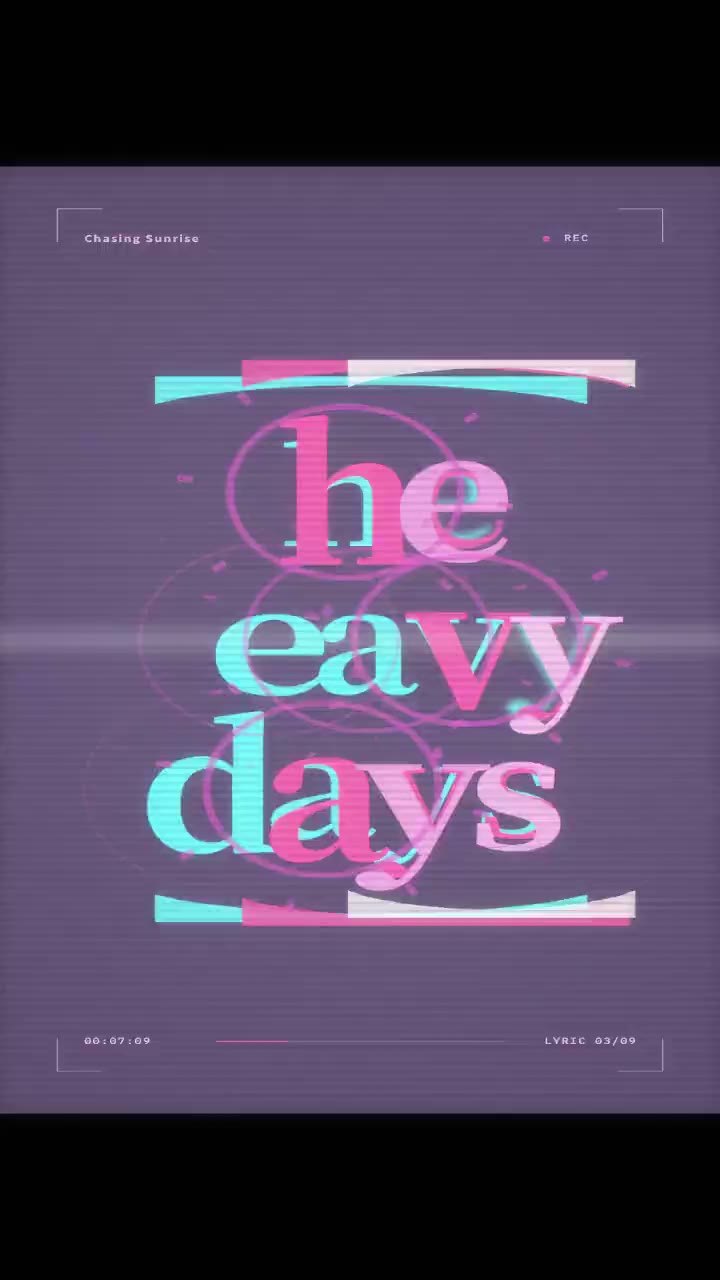
- TikTok
- Reels
- 9:16
A TikTok lyric video of your chorus
Post the hook as a 9:16 lyric clip on TikTok or Reels so viewers can read and sing along on their phones. Sing-along clips are the ones that get shared.
Previewing and fine-tuning a video needs a bigger screen. Open this page on your computer to create one. Finished videos are in My Videos on any device.
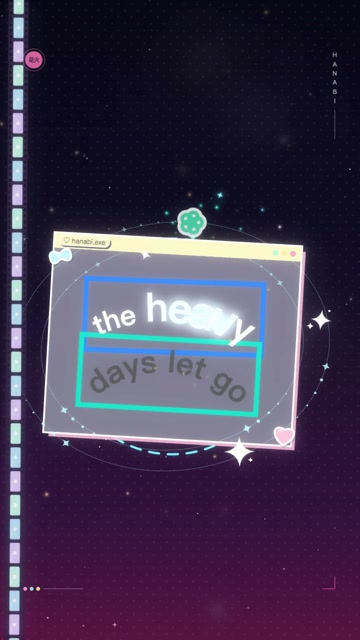
Sample preview · Choose a song to create
Use this free lyric video maker to make a lyric video that follows your vocals. Lyrics sync themselves, light up word by word and change layout on the beat. Start from any lyric video template, 41 in all, and export for TikTok, Reels or YouTube.
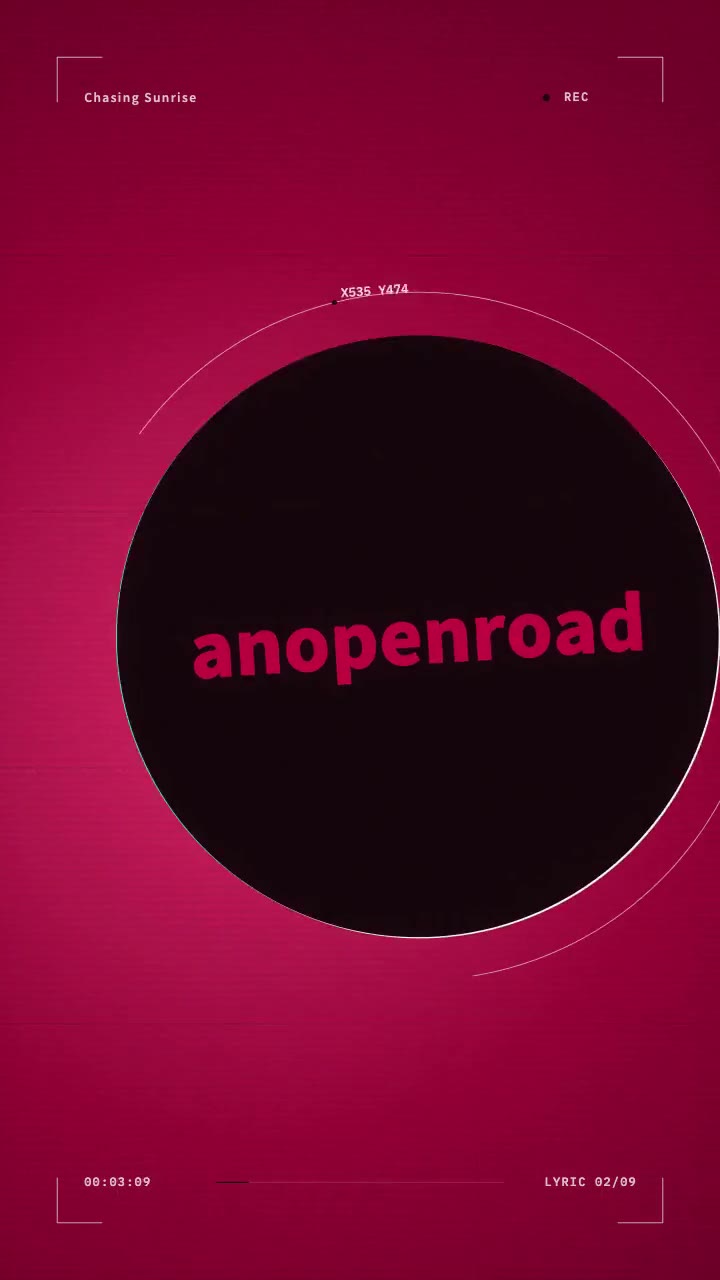
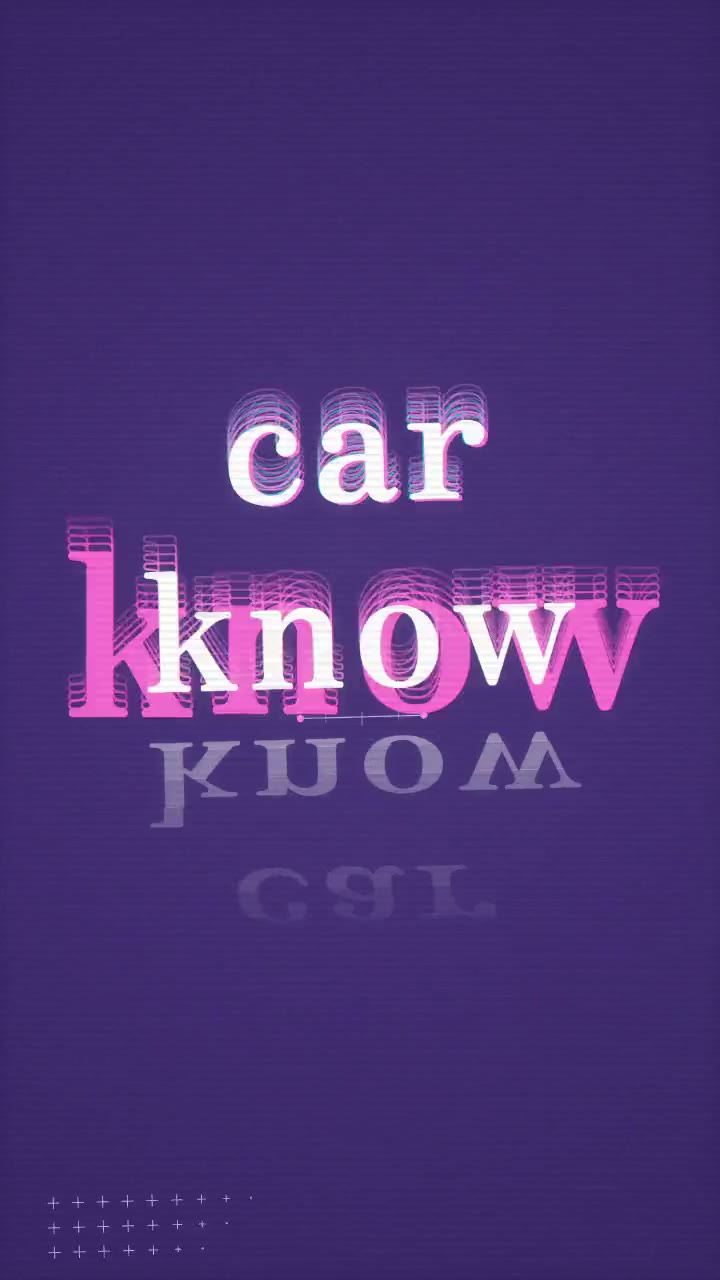
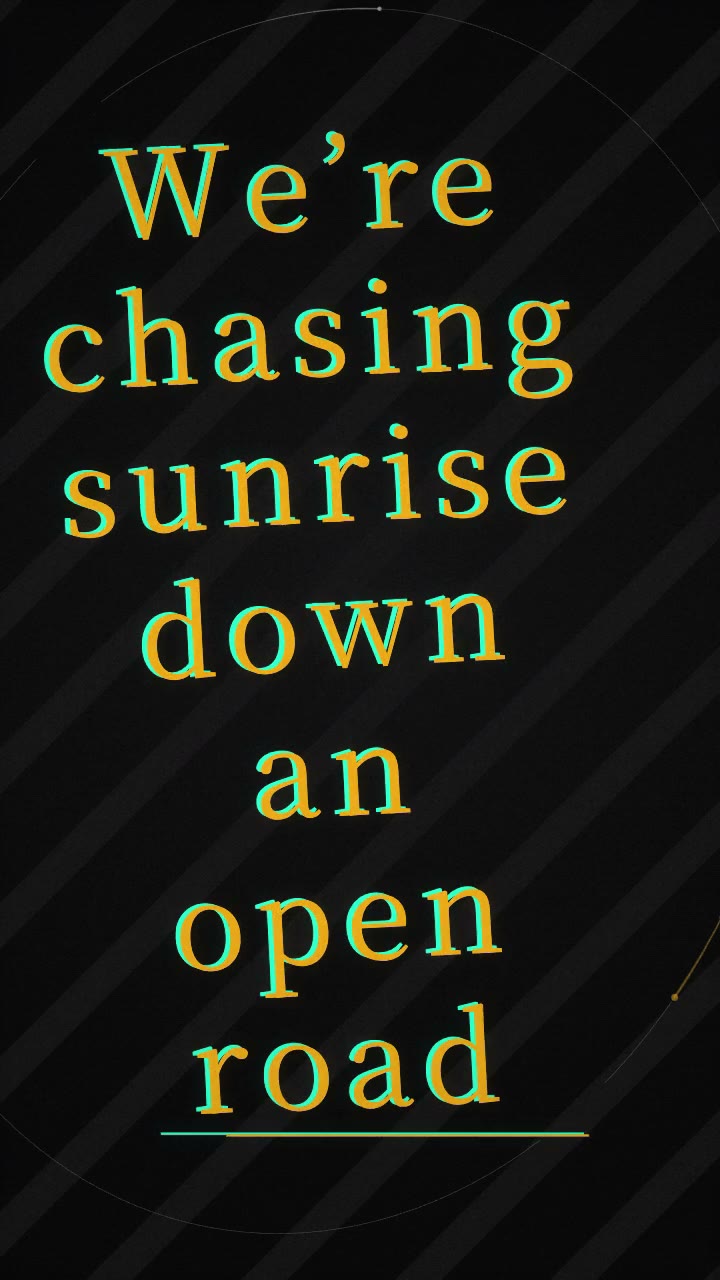
Lyrics give people a reason to stay, sing along and share. Here is when creators reach for one.
Post the hook as a 9:16 lyric clip on TikTok or Reels so viewers can read and sing along on their phones. Sing-along clips are the ones that get shared.
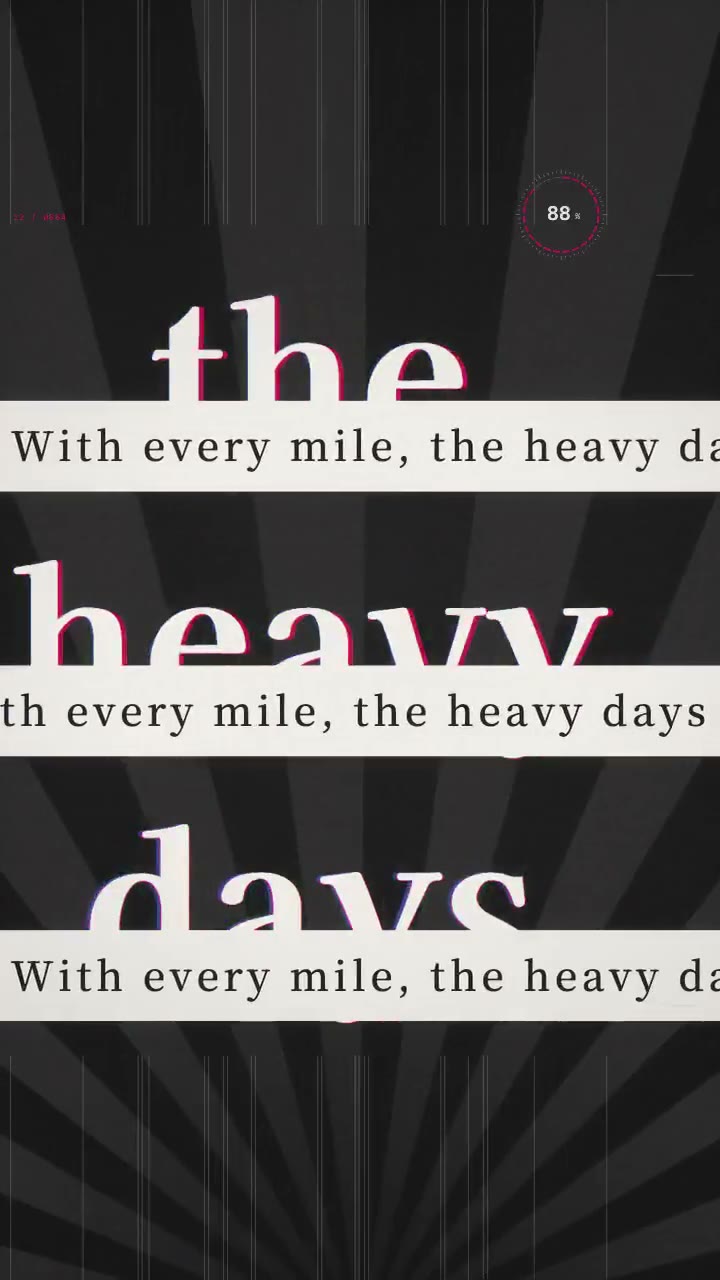
Fans keep asking what the lyrics are? Publish a 16:9 lyric video of the whole song, up to 8 minutes, so they can follow every word to the outro.
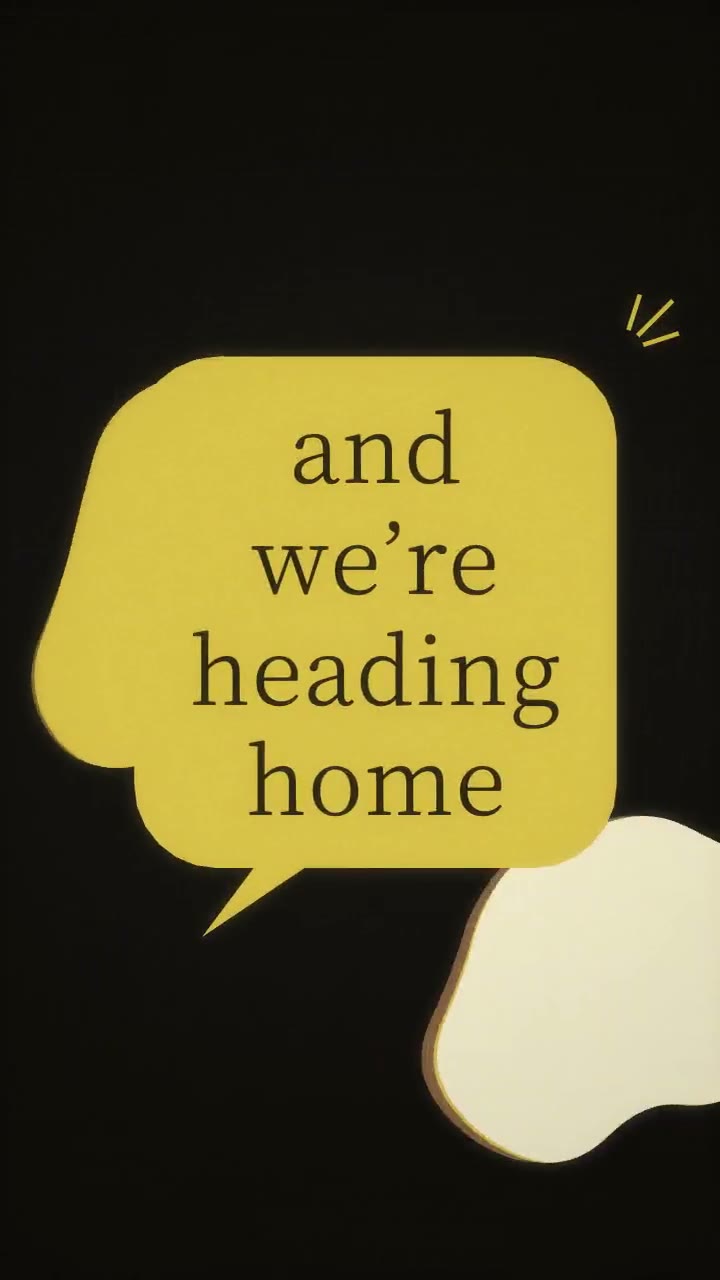
Turn on word-by-word highlighting and each word lights up as it is sung, ready for a karaoke night or a sing-along post.
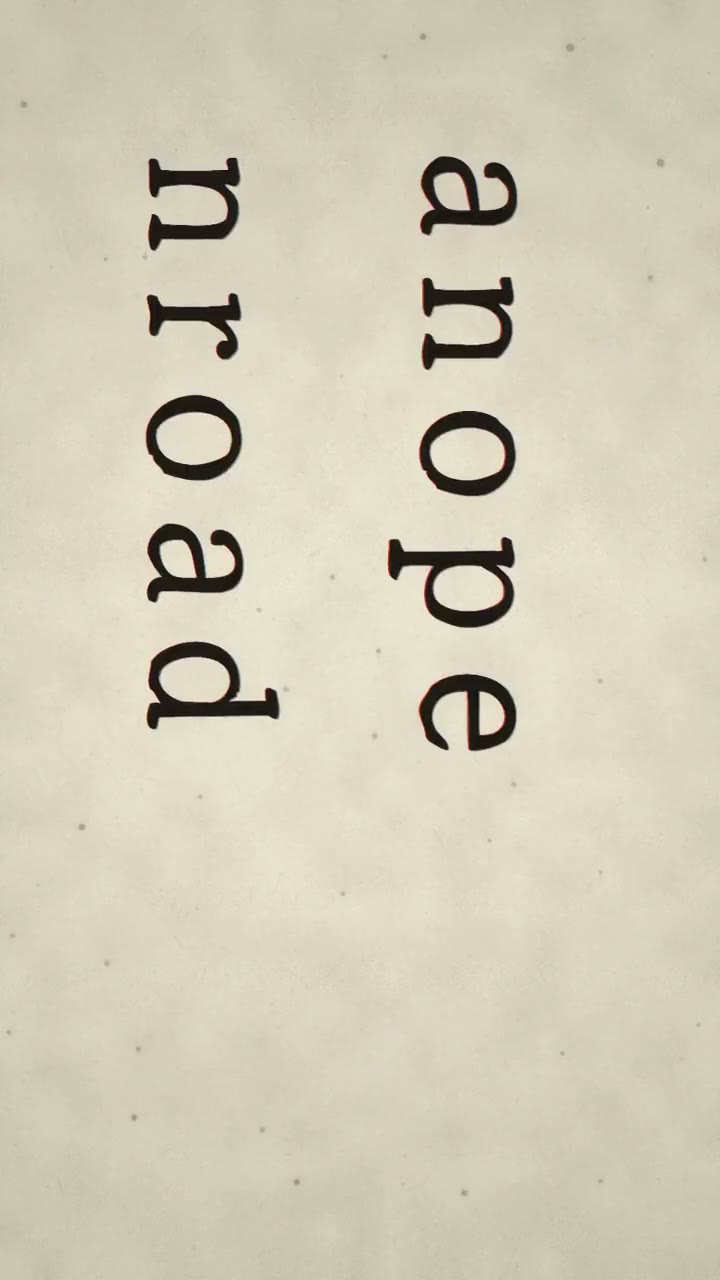
Tease a line or two before your new single drops, then post the full lyric video on launch day. Same style, two posts.
From getting the lyrics in to making them look right, it all happens in one AI lyric video maker.
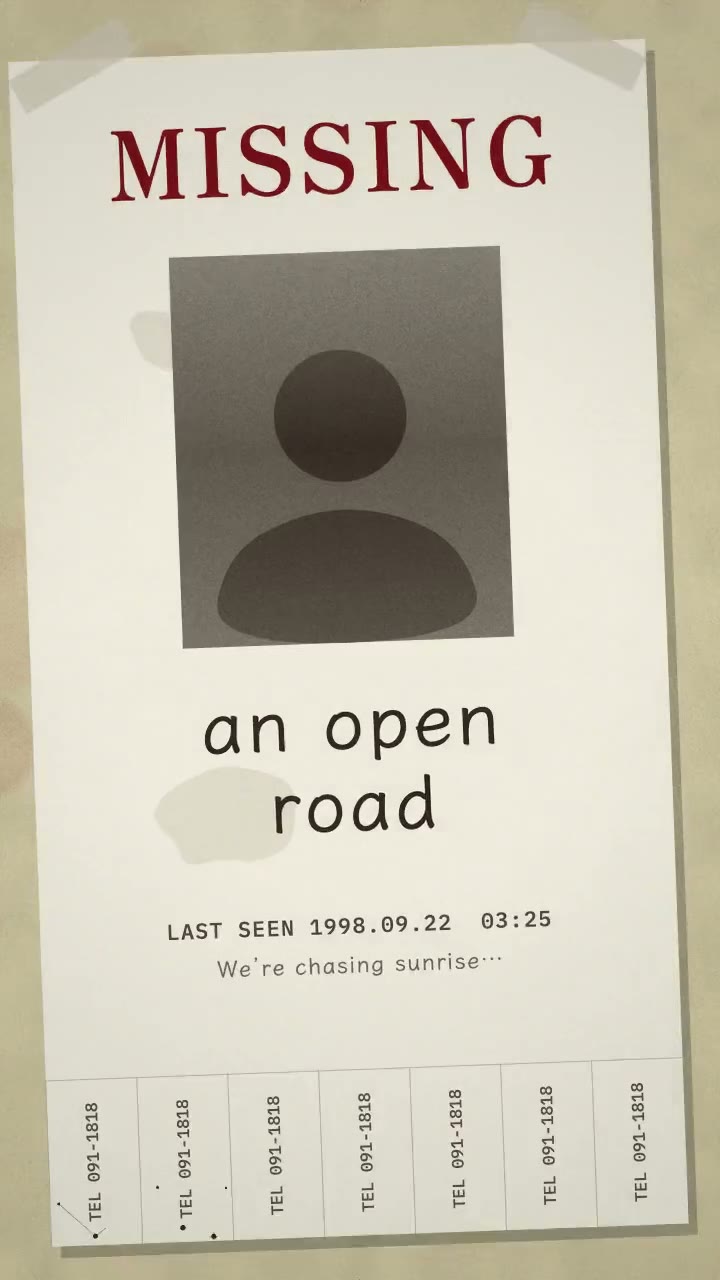
Each line enters as it is sung and leaves when the next begins. No keyframes.
Light up every word on the beat, karaoke style.
Timed lyrics from Doremi songs, AI recognition for uploads, or an LRC or SRT file.
Fix any line and nudge its start and end so every word lands on time.
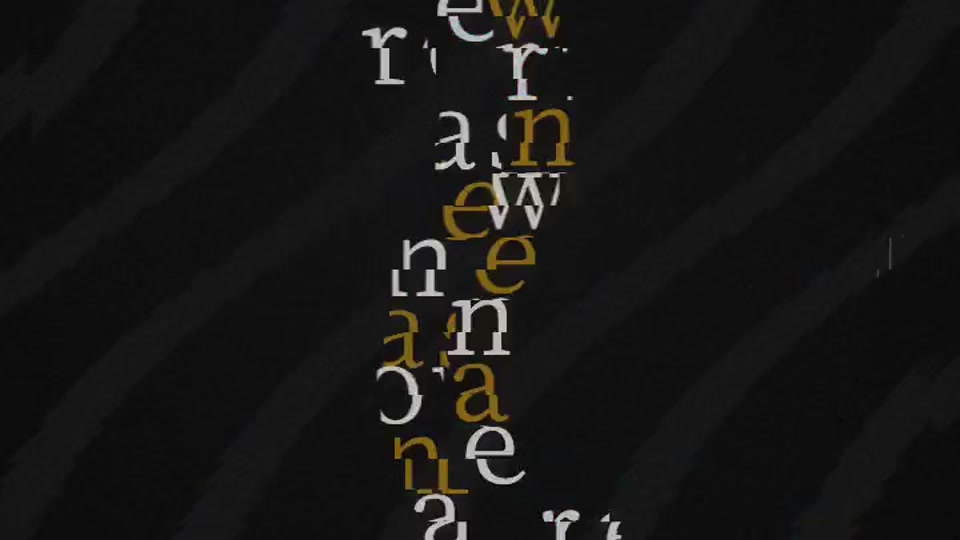
Pop, lo-fi, synthwave, rock, J-pop and horror looks, each with its own type and motion.
Match the lyrics to your cover art and your brand.
Japanese lyrics get Japanese-style layouts; English and Korean get layouts built for words.
Upload MP3, WAV, FLAC or M4A and drag to pick the hook or the whole track.
Less time syncing, more time choosing how your song should look.
Timing lyrics frame by frame takes hours. Here it takes none: the AI lyric video generator lines your lyrics up with the vocals, highlights every word and still lets you fine-tune any line.
Switch styles, edit lines and change the format while your song plays. The preview is the final render, so there are no surprises, and previewing never costs credits.
Every style comes with its own fonts, colors, motion and background, and changes layout line by line on the beat, so a full song never looks like one repeated slide.
Use the same song to make a music visualizer for YouTube or an animated album cover for release day, with the same account and credits.
From song to finished lyric video in three steps. The timing is done for you.
Pick a song from My Music and its timed lyrics load automatically. For uploads, let AI recognize the lyrics or import a file.
Watch each of the 41 styles play with your song in the live preview, then pick a section or use the whole track.
Fix any line, fine-tune the timing, choose 9:16 or 16:9 and export an MP4 ready to post.
What people ask before making their first lyric video.
Yes. You can try every style with a sample song for free, no sign-up needed. New accounts also get 10 free credits, enough to export your first lyric video.
No. Songs made on Doremi already have timed lyrics, and AI recognition times uploaded songs automatically. You can still fine-tune any line.
Yes. Turn on word-by-word highlighting and each word lights up as it is sung.
Yes. Choose 9:16 for TikTok, Reels and Shorts, or 16:9 for YouTube.
MP3, WAV, FLAC, M4A, AAC, OGG and WMA, or any song in your Doremi library. Lyrics can be imported as an LRC or SRT file.
Yes. Adjust the fonts and colors of any style to match your cover art and brand.
Pick a style, let the lyrics sync themselves and export in minutes.