
Suno Lo-Fi
Warm Lo-Fi with steady beats, acoustic chords, and a relaxed groove.
Turn a prompt or your own lyrics into original music with leading AI music models.
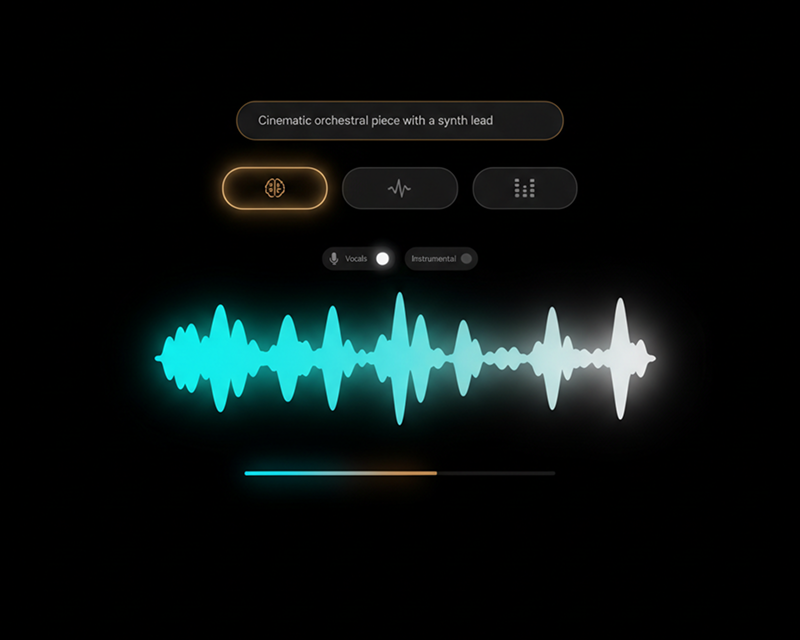
Create complete vocal songs and background music online from prompts or lyrics. Compare leading models including Suno, Mureka, and ElevenLabs to get the exact track you need.
AI Music Generator Examples
Listen to the same music style generated by different AI engines. Compare rhythm, vocal quality, and sound texture side by side.
Warm Lo-Fi with steady beats, acoustic chords, and a relaxed groove.

Mellow Lo-Fi with gentle melodies, designed for study and focus sessions.

Atmospheric Lo-Fi textures suited for background ambiance and narration.
01 / 00
How It Works
Add your idea, select an AI model, and download your finished audio track.
01
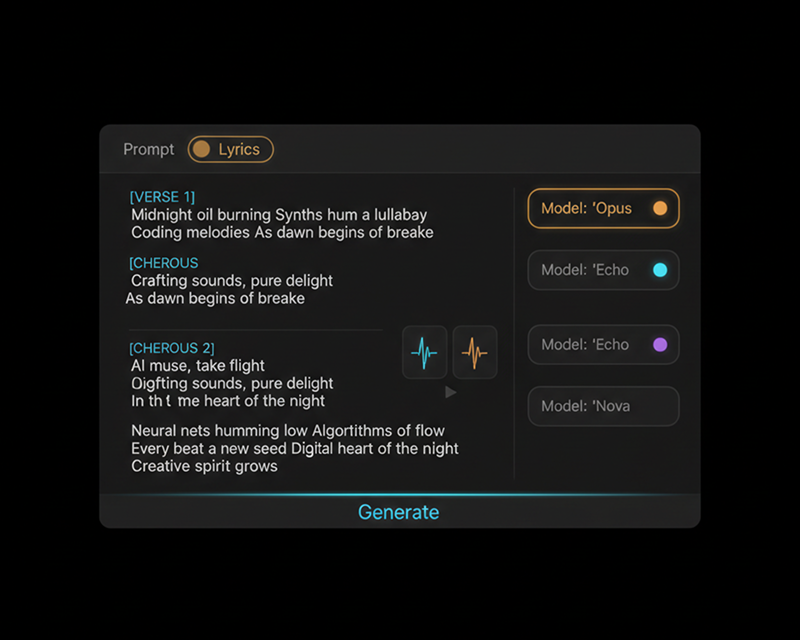
Type a brief description of the song, or paste complete lyrics with verse and chorus tags.
02
Choose Suno, Mureka, or ElevenLabs. Pick your genre, tempo, instruments, and vocal preferences.
03
Produce full vocal songs or instrumental tracks in seconds, then download high-quality audio files.
Core Features
Access multiple AI music engines in a single interface to produce diverse musical arrangements and vocal styles.
Prompt or lyrics
Create from simple descriptive prompts, or use detailed lyric sheets for structured song arrangements.
Model choice
Switch between Suno, Mureka, and ElevenLabs to find the best melody, vocals, and arrangement for your project.
Popular Use Cases
Turn text prompts into royalty-free music ready for commercial and creative projects.
Common use cases 1
Generate original background music that matches the pacing, mood, and length of your video cuts.
Common use cases 2
Turn written lyrics into finished songs complete with lead vocals, harmonies, and professional production.
Common use cases 3
Create instrumental beats and ambient audio for podcasts, presentations, games, and streaming.
AI Music Generator FAQ
Find answers about prompts, models, vocals, and download options.
Enter your prompt or lyrics, pick from top AI music engines, and download your finished track today.