
Suno AI Music Extender
0:00 / 0:00
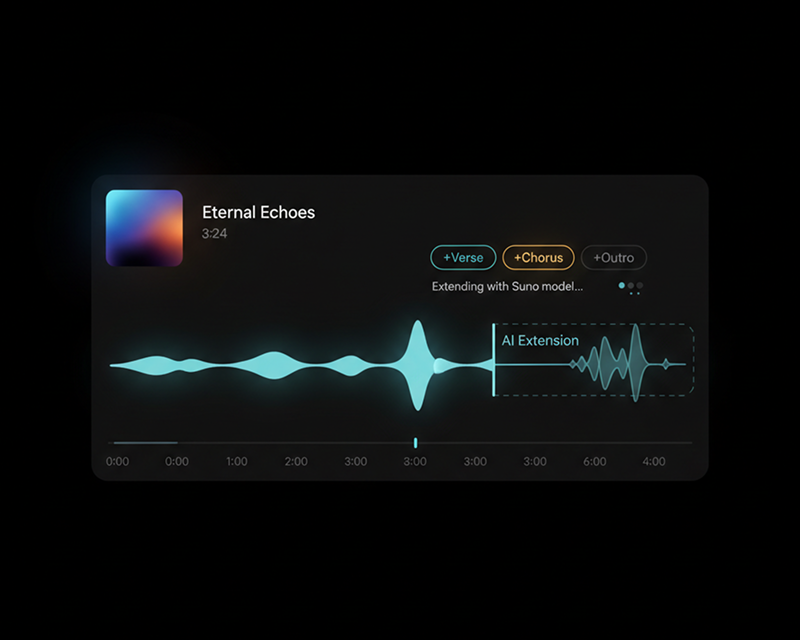
Set an extend point on your track and describe the next section. AI continues the song from there in the style you described.
Extend any song or audio clip online. Choose Suno or Mureka, select your continuation timestamp, and generate a seamless new verse, instrumental passage, bridge, or outro.
AI Music Extender Examples
Hear two AI engines continue their source clips. Compare rhythm, vocal consistency, and arrangement in each extended track.
0:00 / 0:00
0:00 / 0:00
How It Works
Upload audio, set your timestamp, and generate the next musical section.
01
Upload an MP3 or WAV file, or select an existing track from your library.
02
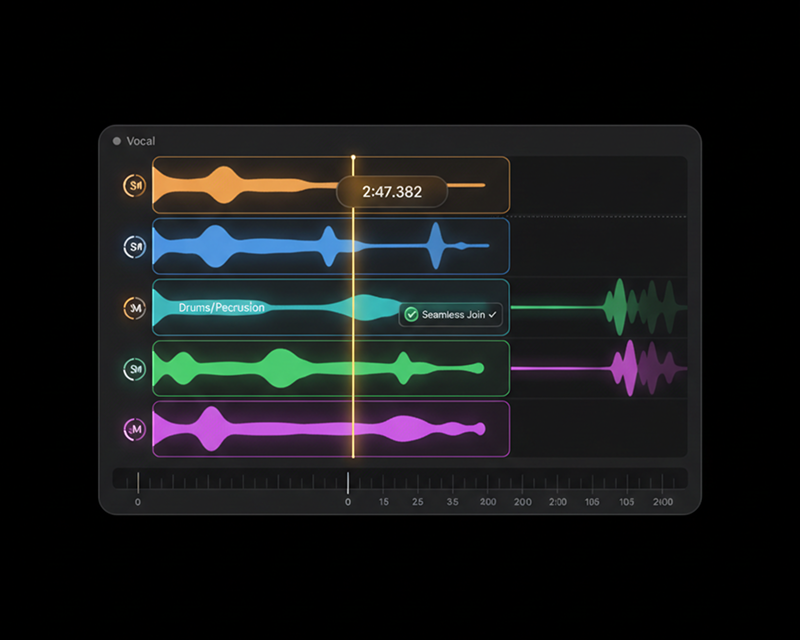
Mark the exact second to continue from. Add lyrics for vocals, or set the genre and tempo for instrumentals.
03
Select Suno or Mureka, click Generate, and download your newly extended song.
Key Capabilities
Keep the original vibe and generate seamless continuations with flexible lyric and style controls.
Continuation timestamp
Set the exact second for new music to start, extending verses, choruses, or instrumental breaks.
Lyrics and style
Add fresh lyrics for vocal continuations, or specify instruments and mood for extended solo sections.
Multiple model options
Choose between Suno and Mureka to find the best musical match for your track.
Popular Use Cases
Add sections to song drafts, lengthen background music for video edits, and create extended versions.
Common use cases 1
Continue your track with new lyrics while maintaining vocal tone, rhythm, and song progression.
Common use cases 2
Extend background audio to match the full duration of your video scenes, demos, or livestreams.
Common use cases 3
Add dramatic conclusions, fading outros, or acoustic finishes to short audio clips.
AI Music Extender FAQ
Learn how continuation timestamps, lyrics, and model options work.
Pick a source track, mark the timestamp, select Suno or Mureka, and download your extended song.