01
Choose a track
Select a song from your Doremi workspace or upload an MP3, WAV, FLAC, M4A, AAC, OGG, or WMA file.
Start from a song that already has something worth keeping. Each demo marks the source section first, then the AI-created continuation after it.

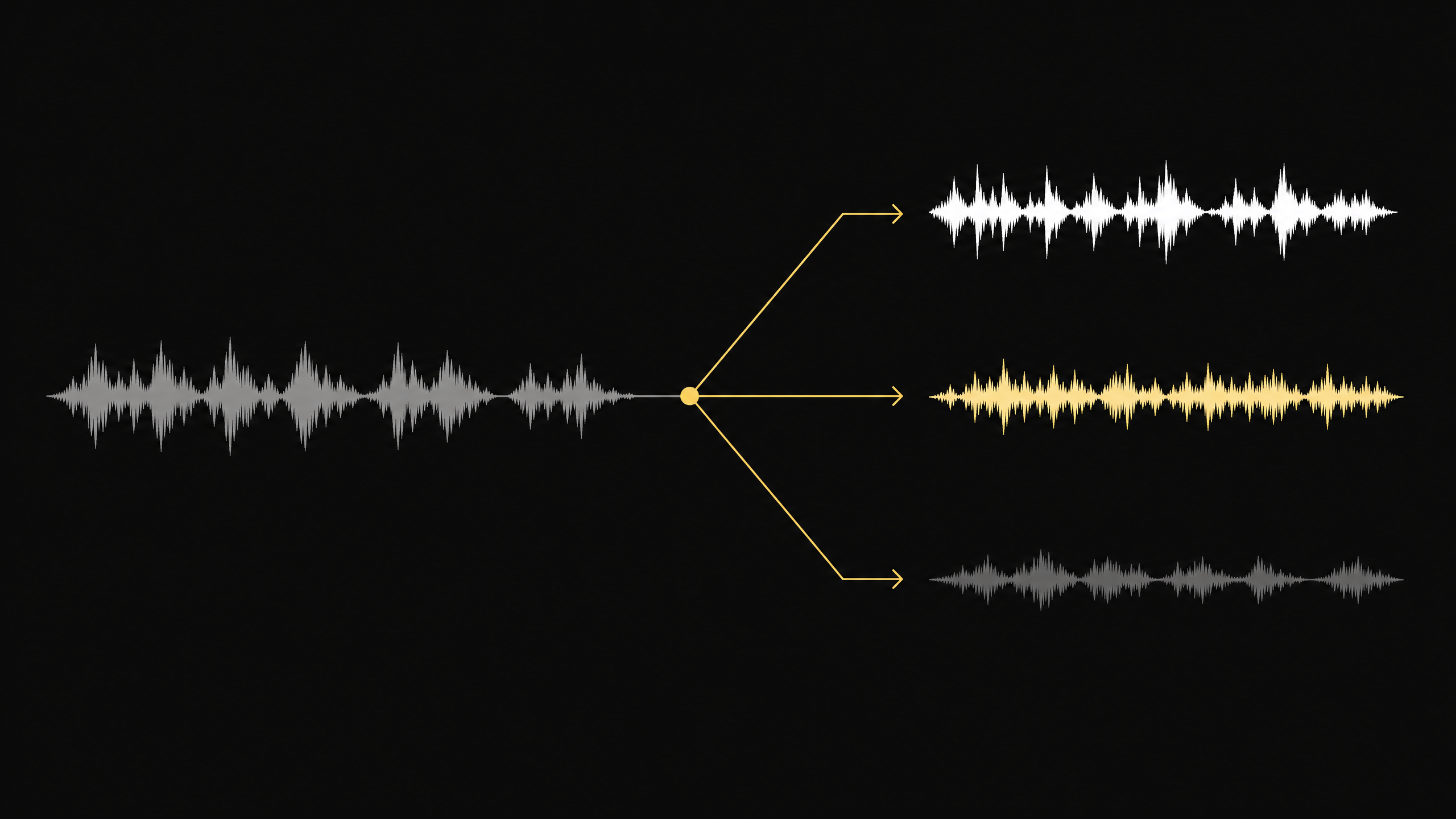
 Split into 2 stems
Turn a mixed track into separate vocals, drums, bass, guitar, piano, and instrumental stems. Choose a song from your library or upload audio to start splitting.
Workflow
Add a track, choose how many parts you need, and export the separated audio.
01
Select a song from your Doremi workspace or upload an MP3, WAV, FLAC, M4A, AAC, OGG, or WMA file.
02
Choose 2, 4, 6, or 10 stems based on the instruments you want to isolate. Eligible Suno tracks can also use the 12-stem option.
03
Listen to the separated parts, solo or mute individual stems, adjust the mix, and download the tracks you need.
Choose the separation detail for your project, inspect each audio part, and download individual stems from one workspace.
Flexible separation
Create a quick vocal and instrumental split or separate vocals, drums, bass, guitar, piano, and other instrument groups.
Listen closely
Preview individual parts and adjust their volume and stereo position while listening to the full arrangement.
Export separately
Save only the vocals or instruments you need for remixing, rehearsal, editing, or further production.
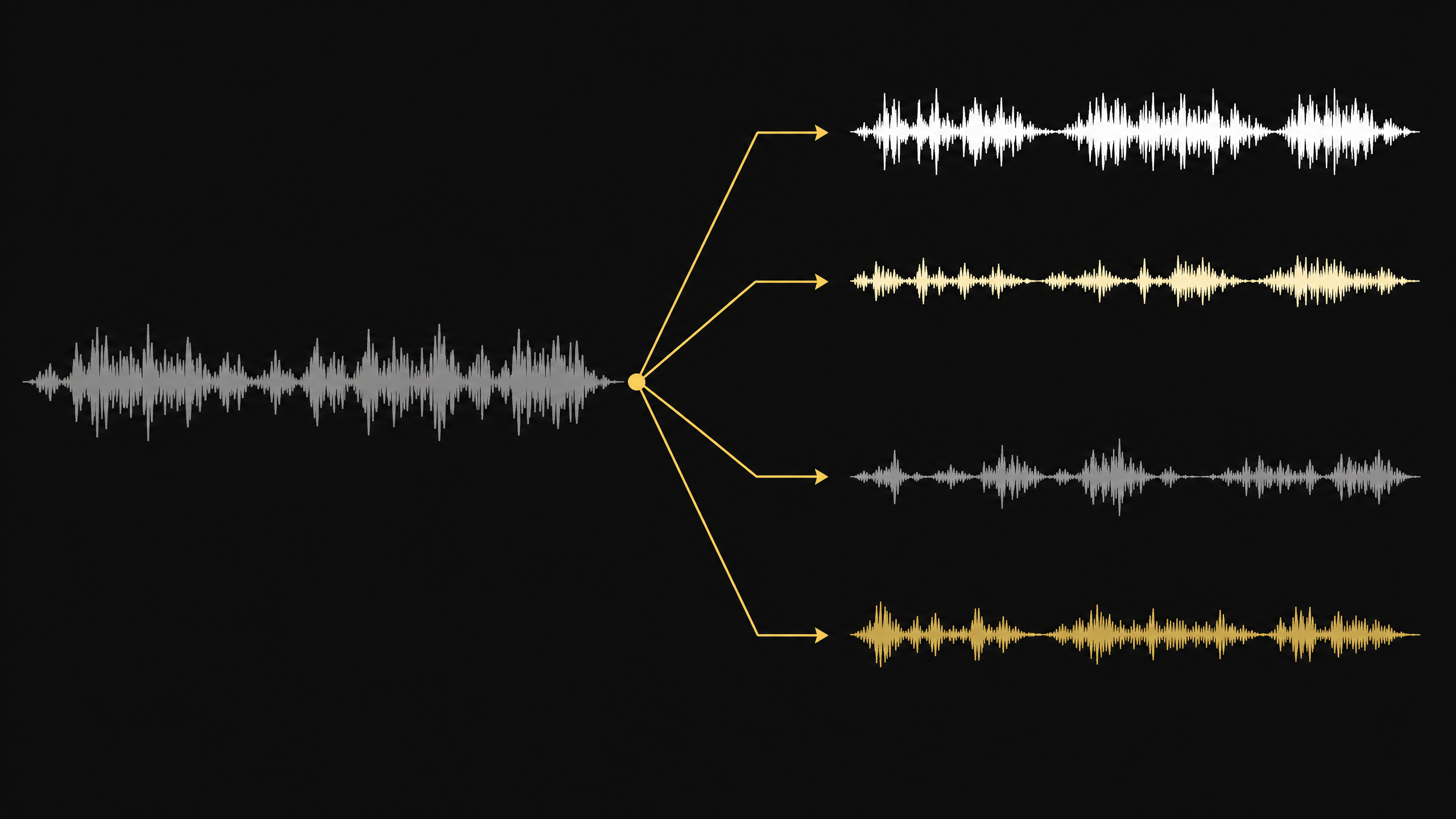
Use isolated stems for new mixes, performances, learning, and content production.
Common use cases 1
Remove vocals for karaoke and backing tracks, or isolate the vocal for remixes and edits.
Common use cases 2
Solo the drums, bass, guitar, piano, or vocals to study a performance and rehearse with the rest of the band.
Common use cases 3
Bring separate song elements into your editor to rebalance the mix, add effects, or create a new version.
Questions
Learn about supported files, stem options, and controls for separated audio.
Choose a track, select the number of stems, and isolate vocals and instruments for your next project.