

01
Select a song from your library
Open any eligible vocal song created in Doremiai with waveform and lyric support.
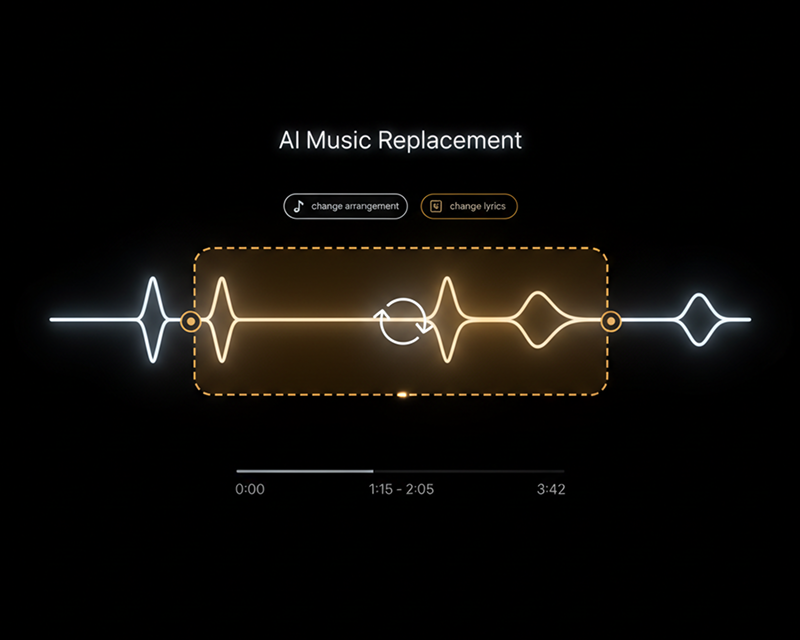
Highlight a section on the waveform and tell AI what should go there, whether new lyrics or a new style. The rest of the song stays untouched.
Select any 6 to 60-second section on the waveform, rewrite the lyrics, and change the musical style while preserving the rest of the track.
How It Works
Choose a generated song, mark the section on the waveform, and regenerate with new lyrics and style.
01
Open any eligible vocal song created in Doremiai with waveform and lyric support.
02
Drag along the waveform to select a 6 to 60-second segment that does not exceed half the track.
03
Type new lyrics, specify the desired musical direction, and generate the revised passage.
Key Capabilities
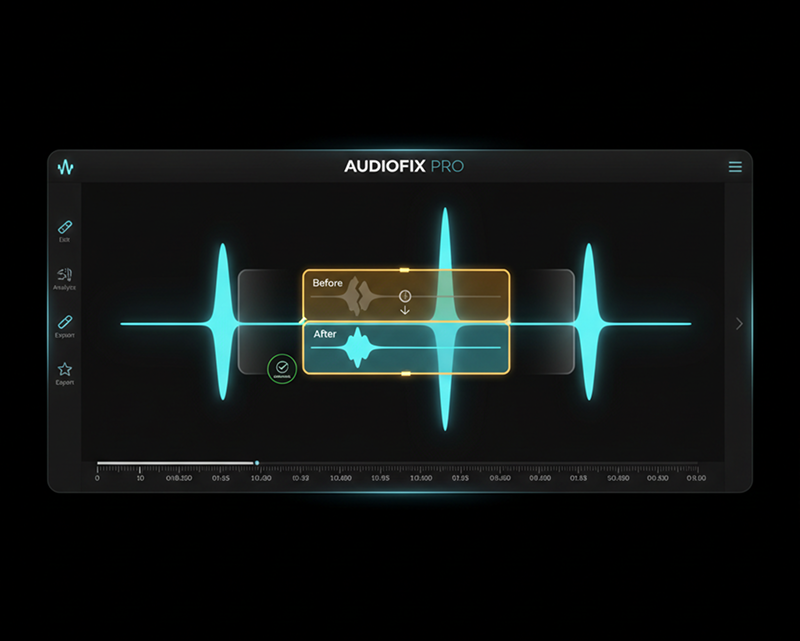
Use waveform precision and timed lyrics to update specific song sections without regenerating the entire track.
Waveform range
Select specific verses, choruses, or instrumental fills down to the second.
Updated lyrics
Update awkward phrasing, rewrite rhymes, and generate fresh singing vocals in place.
Style boundaries
Set target instruments and mood, with optional negative prompts to exclude unwanted sounds.
Popular Use Cases
Refine lyric lines, improve vocal hooks, and adjust transitions without starting over.
Common use cases 1
Replace weak lyrics or pronunciation issues in a verse while keeping the overall arrangement.
Common use cases 2
Revise vocal delivery and instrumental power in the chorus to make the hook hit harder.
Common use cases 3
Swap out specific names, dates, or brand mentions in a song for custom events and videos.
AI Music Editor FAQ
Learn which songs work with AI Music Editor and what controls are available.
Select an eligible song from your library, mark the waveform, and regenerate any section in seconds.